
Why I built it
A consumer smart scale estimates body composition partly from body water. That means a salty meal, a hard workout, a late dinner, or a short night can move the numbers more than a week of real progress. Looking at one day at a time, it’s easy to get discouraged by changes that aren’t real.
I wanted a simple, private way to log my readings and see what is actually changing. Body Trend is that tool, and it’s free for anyone to use.
What it does
- Log weight, body fat, body water, skeletal muscle, and visceral fat. Enter body water and skeletal muscle as a percentage or in pounds, whichever your scale shows. Every field except the date is optional.
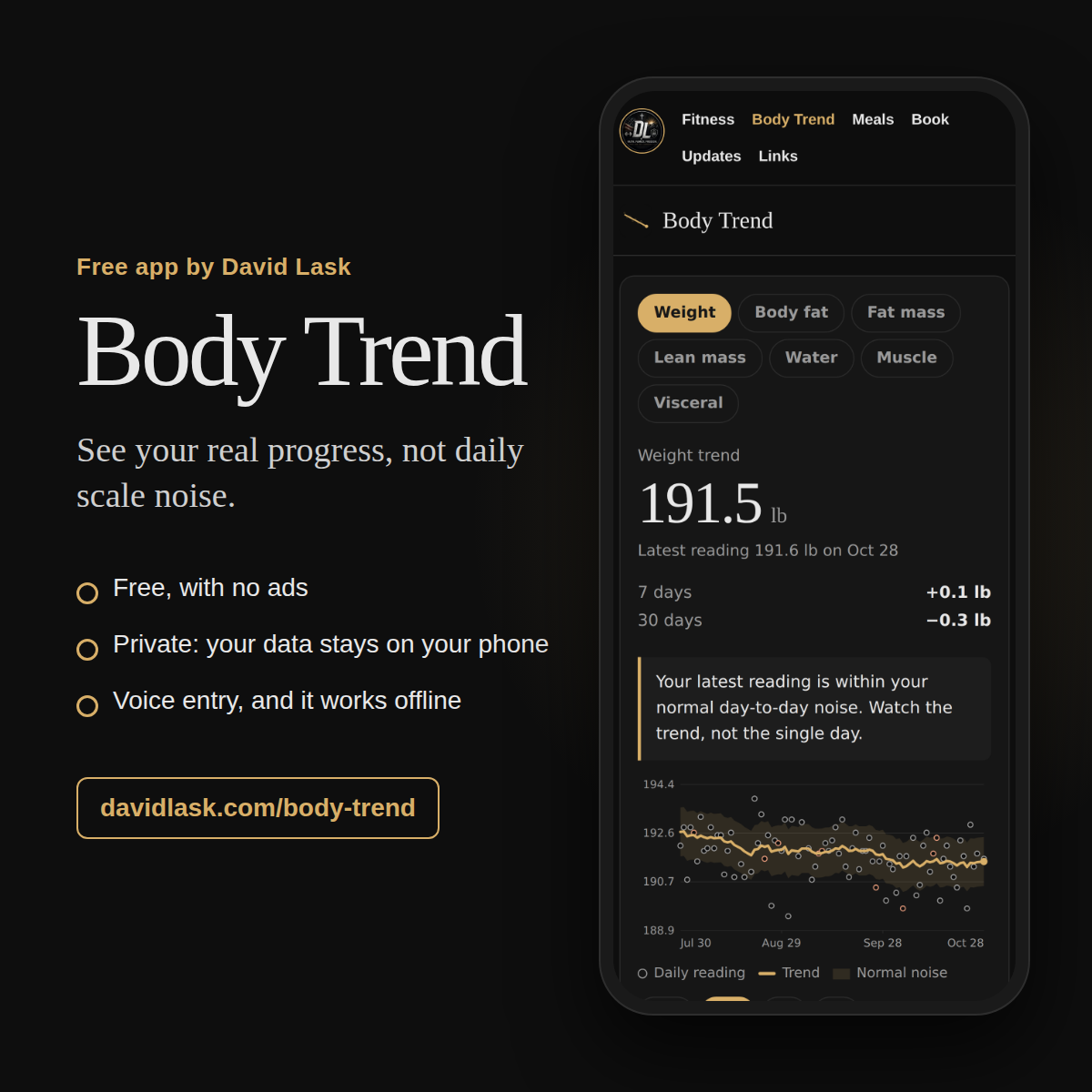
- See a trend line that smooths out daily swings, plus your change over the last 7 and 30 days and a table of weekly averages.
- Measure yourself against your own starting point: see where you started, where your trend is now, your biggest 30-day change, and your logging streaks. No rankings against strangers.
- See fat mass and lean mass, calculated from your weight and body fat, so you can tell whether a change on the scale is fat or lean.
- Get a plain-language read on today’s number: within your normal noise, or unusually high or low compared with your trend.
- Tag days with high sodium, a late meal, a hard workout, poor sleep, alcohol, or travel. After a few tagged days, the app shows how each one moves your readings compared with untagged days.
- Log waist and upper-arm tape measurements once a week and chart them beside your scale readings. A tape doesn’t depend on a scale’s formula, so it’s a good second opinion.
- Changed a setting on your scale, like athlete mode or your height? Mark the date, and the body-composition trend restarts there instead of blending two different formulas.
- Speak your readings instead of typing them. Say “weight 189.4, body fat 26.7” and the boxes fill in for you to check before saving.
- Bring in your past readings from any scale or a paper log using the spreadsheet template, or import a RENPHO Health export directly. Files are read on your phone and never uploaded.
- Save a backup file or export a spreadsheet whenever you like.
Private by design
Body Trend has no account, no sign-up, and no server storing your data. Everything you log stays in your phone’s browser storage. The app itself runs no analytics, ads, or tracking of any kind, and once it’s opened it keeps working offline.
Voice entry is optional. It uses your phone’s built-in speech recognition, which on most Android phones means Chrome sends the audio to Google to convert it to text. The app tells you this before your first use. If you’d rather not, type the numbers or use your keyboard’s microphone key.
Because your data lives only on your device, clearing your browser data or replacing your phone erases it. Use “Save backup” now and then, and keep the file somewhere safe.
Put it on your home screen
- Android (Chrome): open Body Trend, then tap “Install app” at the top, or open Chrome’s ⋮ menu and choose “Add to Home screen.”
- iPhone (Safari): open Body Trend, tap the Share button, then “Add to Home Screen.”
- Open it from your home screen like any other app. It works without a connection.
Reading your trend
Give it about a week of daily readings before trusting the trend. Weigh in at the same time each day, ideally right after waking. Judge your progress by the trend line and the 30-day change, not by any single morning.